
Table of Contents
- 1. Maximizes reach
- 2. Builds community & trust
- 3. Boosts engagement metrics
- 4. Saves time & resources
- 5. Leverages trends
- Legal & Ethical Steps Before Reposting
- How to Repost Instagram Stories?
- How to Repost Feed Content to Your Grid or Reels?
- How to Repost Reels?
- Best Practices for Reposting (2025 Focus)
- Tools to Enhance Reposting
- SEO for Repost Content
- When To Repost: Smart Timing
- The Future: Instagram’s Native Repost Feature
- Conclusion
Reposting content on Instagram whether it’s photos, Reels or Stories is a powerful strategy to keep your feed fresh, build community and boost engagement. But with changing features and evolving rules, doing it the right way matters more than ever. In this guide, you’ll learn how to repost on Instagram in 2025 without breaking rules, losing quality or hurting your brand’s image.
We’ll cover:
- Why reposting helps.
- How to repost legally and ethically.
- Exact steps for reposting Stories, Reels, and feed posts.
- Tools, best practices and content ideas.
- SEO tips to get your reposted content ranking.
All in a conversational tone that’s easy to follow.
Why Reposting on Instagram Works in 2025?
Reposting isn’t just lazy content reuse it’s a smart move for these reasons:
1. Maximizes reach
Sharing public posts lets you reach new audiences without creating fresh content.
2. Builds community & trust
When you share followers’ content or UGC (user-generated content), it shows appreciation and encourages more engagement.
3. Boosts engagement metrics
Instagram rewards variety. Posts with Reels, Stories, and UGC get more interactions.
4. Saves time & resources
Great for small teams or individuals who need steady posting but lack production resources.
5. Leverages trends
Reposting viral Reels or relevant Stories can boost visibility instantly.
But to make it work, you need to follow legal, ethical and aesthetic rules. Let’s dive in.
Legal & Ethical Steps Before Reposting
1. Always seek permission
Even if a post is public, ask the creator before reposting. Instagram guidelines require you to only share content you own or have rights to Try this DM template:
“Hi [Name], I love your recent photo of [topic/product]. Can I repost it on my Stories/feed and tag you?”
2. Credit the creator
Whenever you repost:
- Tag their username in the caption or post.
- Use in-app tagging tools when resharing to Stories or Reels.
- Don’t alter original captions or images too much.
3. Keep original content intact
Avoid making too many edits or heavy cropping that could alter the original creator’s intended message.
4. Use UGC responsibly
When users post content with your branded hashtag or tag you, it’s OK to repost if you’ve outlined reframing rights and still credit them clearly.
How to Repost Instagram Stories?
1. Story you’re tagged in
- Check DMs for the story where you’re tagged.
- Tap “Add to Story”.
- Add a personal touch sticker, text, GIFs.
- Post to your Story.
2. Story without a tag
If not tagged, follow these steps:
- Ask for permission via DM.
- For photo: screenshot; for video: record screen.
- Crop/edit to remove UI elements.
- Add credit like @username before posting.
3. Quality tips
- Use high-res screenshots/screen recording.
- Ask for full-res image or video file for better clarity.
- Add your brand’s elements like colors or a question sticker to engage.
How to Repost Feed Content to Your Grid or Reels?
Because Instagram doesn’t officially support feed reposts yet (though a feature is rolling out now) use these methods:
1. Screenshot/Self-post
- Get permission.
- Screenshot/high-res download.
- Crop and edit to remain centered.
- Post to feed.
- Tag creator in photo and caption, mention in writing.
2. Third-party repost apps
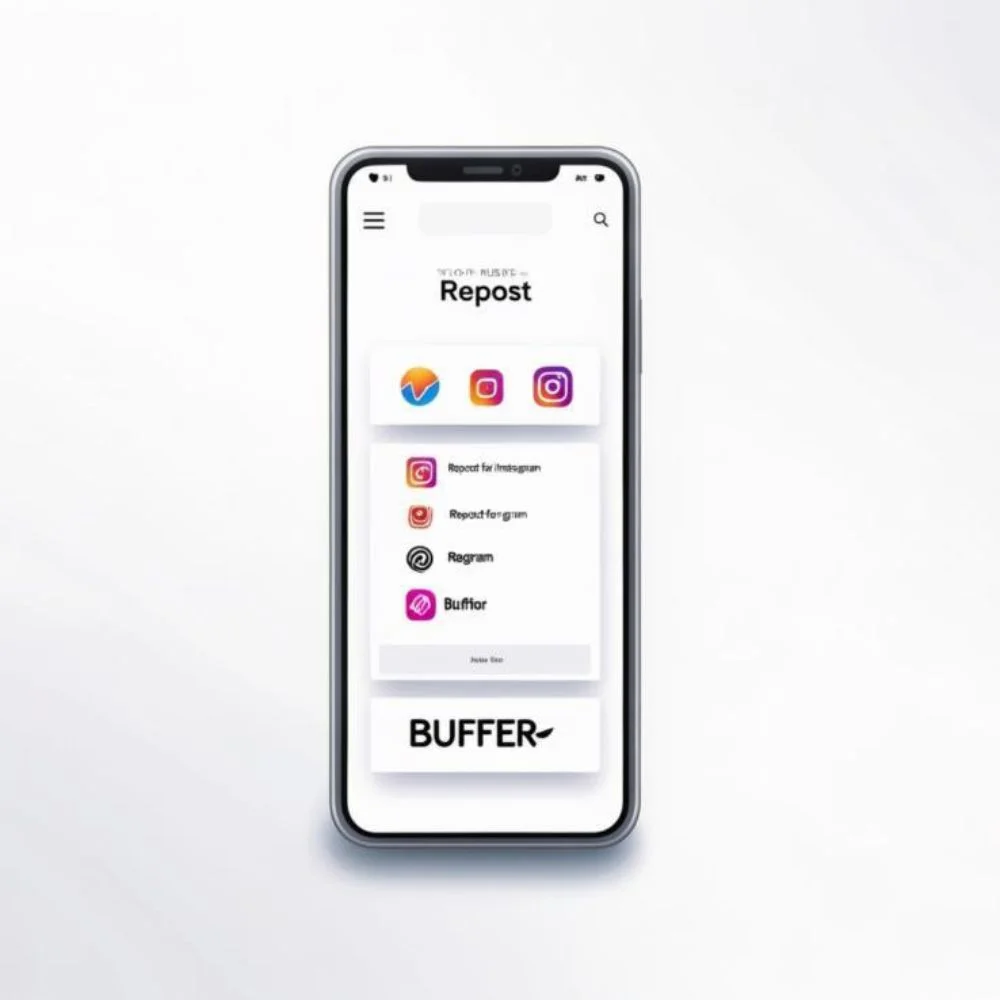
Apps like Repost for Instagram, Repost, repost+, Reposted help preserve captions, credit automatically. Always verify app safety.
3. Remix into a Reel
If it’s a single image, use the “Remix this Photo” feature to convert it into a Reel with original image + your reaction commentary.
How to Repost Reels?
Instagram offers 3 ways:
1. Remix this Reel
- Tap ⋯ under the Reel.
- Choose “Remix this Reel”.
- Adds creator credit automatically.
- Great for split-screen reactions.
2. Share Reel to Story
- Tap under Reel.
- Select “Add reel to your story”.
- Add stickers or text.
- Post to Story.
3. Screen-record and repost
- Get permission.
- Record with phone or download.
- Post to feed/Reels.
- Tag creator + give credit.
- Schedule with tools like Recur Post or Sprinklr.
Best Practices for Reposting (2025 Focus)
- Choose posts that match your brand & audience: Only repost what resonates with your followers.
- Maintain visual consistency: Match color scheme, style, filters to your grid.
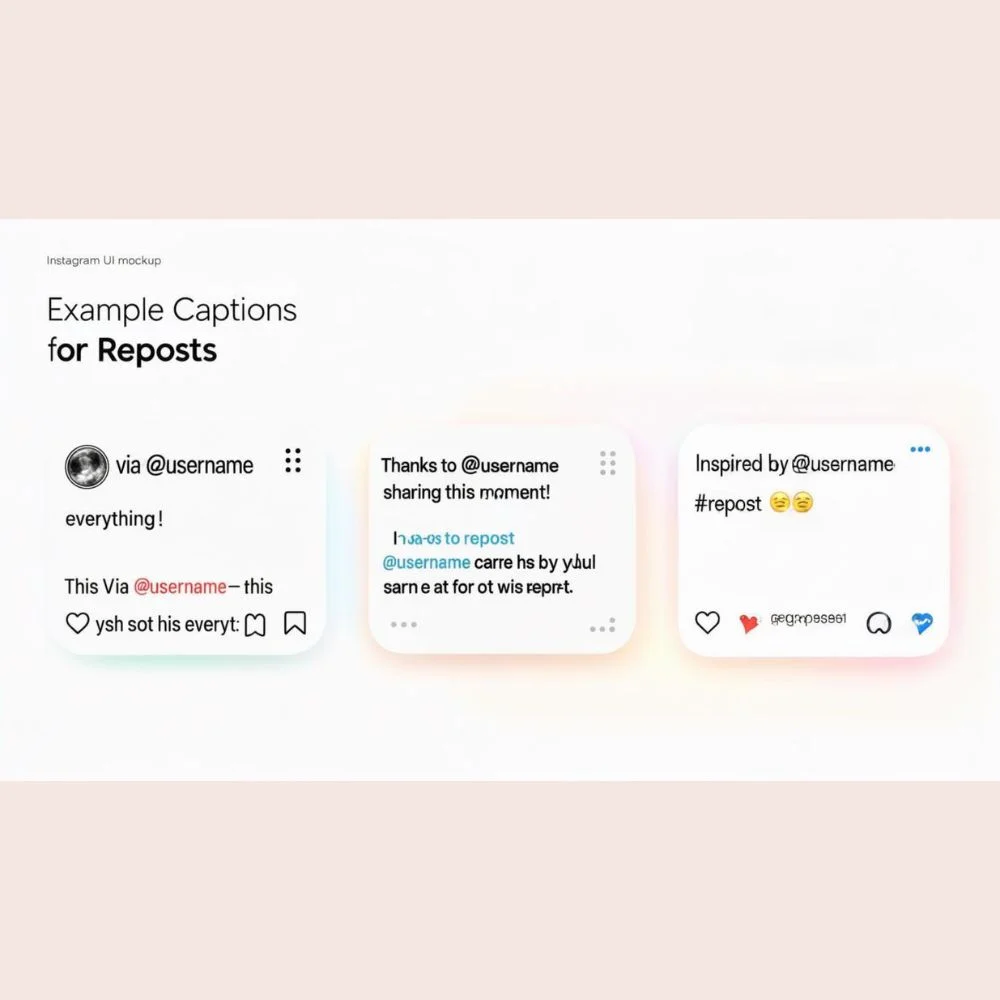
- Add value with captions: Explain context, tag creators, ask questions. Let your voice shine alongside the repost.
- Balance reposts and originals: Avoid filling your profile with only shared content.
- Use Highlights smartly: Save valuable Stories to Highlights. Group UGC, events, themes.
- Track performance: Monitor engagement via Instagram insights. See which reposts drive comments, saves, reach.
- Post frequently but wisely: Upload trial Reels when starting out to test formats it boosts chance for exposure.
Tools to Enhance Reposting
- In-app tools: (Share to Story, Remix, tagging creator).
- Repost apps: Repost for Instagram, Repost, Repost+.
- Scheduling suites: Recur Post, Sprinklr, Buffer help plan and repost with proper tagging.
- Screen recording tools: Built-in smartphone recorder.
SEO for Repost Content
Yes, you can optimize reposts for SEO and discovery:
- Captions with keywords like “repost on Instagram,” “UGC,” “Reels,” “Story reshare”.
- Alt-text for grid posts: brief description including keywords.
- Hashtags targeting relevant trends use mix of branded and niche tags.
- Location tags to boost local reach.
- Save-worthy content: repost thoughtful commentary or tutorial Reels.
The goal is to make your reposts easy to find, searchable and genuinely valuable not just space fillers.
When To Repost: Smart Timing
- Right after posting a new feed post repost, it to Stories to reach Story-only viewers.
- When users tag you in UGC.
- Post-collaboration reposts with partner tags.
- Trending Reels or timely UGC that aligns with events.
Best practice: Check Instagram Insights for days/times when your audience is most active.
The Future: Instagram’s Native Repost Feature
Instagram is experimenting with a built-in Repost to Feed feature, similar to Twitter’s Retweet. Once it’s officially launched:
- Repost button will allow sharing public posts/Reels to your feed.
- Creator is automatically credited.
- No need for apps or manual steps.
Keep an eye out and adopt it early to look fresh.
Conclusion
Reposting content on Instagram the right way boosts engagement, strengthens your community and eases content creation stress. Always ask permission, credit original creators add your unique perspective, use high-quality visuals and balance reposts with original posts. With Instagram’s upcoming native repost feature, brands that share content responsibly now will gain an advantage. Pair this with smart SEO using clear keywords, hashtags, alt-text and well-crafted captions to boost reach and visibility. Start reposting confidently, authentically and effectively today!