Table of Contents
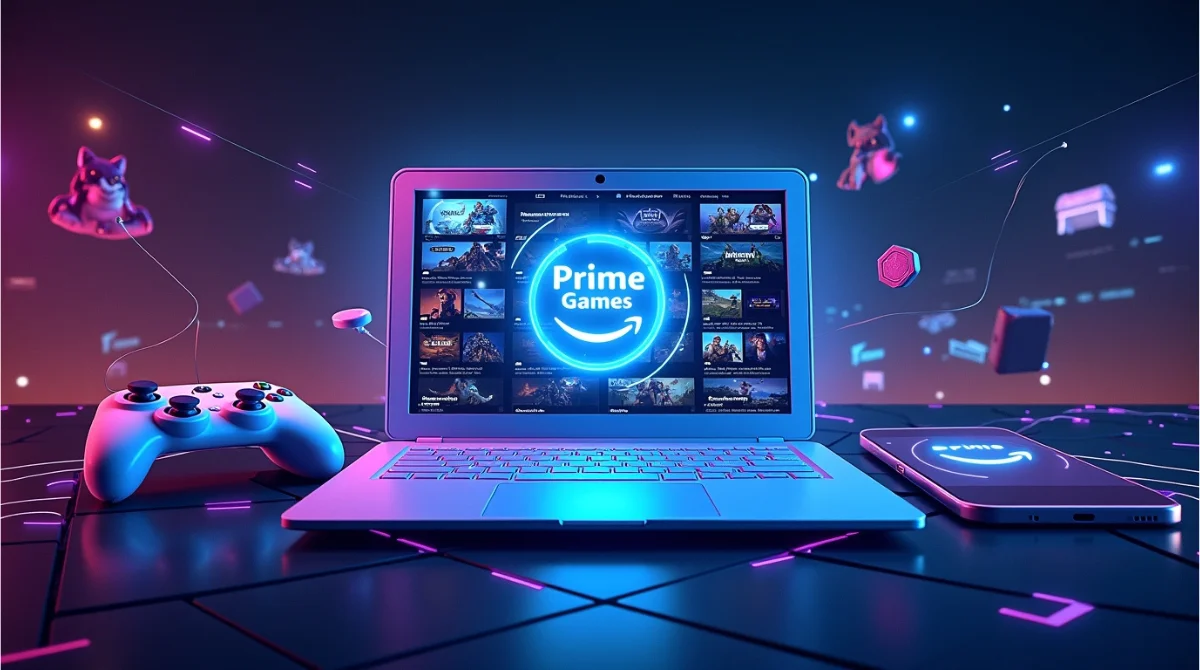
Amazon Prime Games (Prime Gaming) is a hidden treasure for Prime subscribers. It delivers a constant stream of free downloadable PC games, in-game content, Twitch perks, and even cloud gaming via Luna, without paying anything extra. Whether you’re a casual player or a streaming enthusiast, this guide tells you everything you need to know in simple terms.
What Is Amazon Prime Games?
Prime Gaming offers full games, a yearly Twitch channel sub( where available), and more. Prime Gaming is Amazon’s bonus for Prime members. It’s not an app you buy separately; it’s included in your Amazon Prime or Prime Video plan. Previously known as Twitch Prime, the name changed in 2020 to reflect a broader scope. So, if you’re already paying for Prime, you already have Prime Gaming. It’s an ongoing value boost on top of fast shipping, video streaming, music, and more.
What Do You Get with Prime Gaming?
Free PC Games Every Month
Prime members can claim a rotating collection of free PC games, often weekly or monthly. Titles range from indie darlings to mainstream hits like Saints Row or Dishonoured 2. Once claimed, they’re yours to download and install anytime, even if your Prime subscription ends later.
In-Game Loot & Extra Content
Every month, you’ll receive exclusive items like skins, cosmetics, and boosts for popular online games (e.g., League of Legends, Overwatch 2, FIFA, Genshin Impact). These rotate often and cover platforms including PC, Xbox, and PlayStation.
Free Twitch Channel Subscription
You get one free Twitch subscription to any Partner or Affiliate each month, including perks like emotes, subscriber chat, and badges; all normal subscriptions cost $4.99. You also get extended VOD storage (60 days instead of 14), exclusive chat badge, emoticons, and expanded chat color options.
Access to Amazon Luna (Cloud Gaming)
Prime Gaming members can play rotating titles on Amazon Luna, Amazon’s cloud gaming platform that runs on Fire TV, PC, mobile, and smart TVs.You don’t need a high-end PC or console, just compatible hardware and a good internet connection.
How to Access Prime Gaming?
Follow this easy five-step process:
1. Ensure You Have Prime: You must be a Prime or Prime Video member. If only using Video, note you won’t get the Twitch sub.
2. Visit the Prime Gaming Website: Go to primegaming.com and sign in with your Amazon account.
3. Browse and Claim Offers: Find free games or in-game content and click Claim. This might trigger codes or redirect you to other platforms
4. Link Game Accounts: For certain offers, link accounts (Riot, Epic, GOG, Steam, Ubisoft, etc.) so content unlocks seamlessly.
5. Install and Play: For PC games, install the Amazon Games app, sign in, and download your claimed titles.
Once you’ve claimed a game or item, it’s permanently yours even if it disappears from the Prime Gaming catalog later.
How does Prime Gaming compare to other gaming services?
Amazon’s gaming benefits by themselves may not make it worth becoming a Prime member. Prime Gaming is not as strong as services like Xbox Game Pass or even Nintendo Switch Online, which focus on providing a wide range of games. However, if you combine it with other Prime benefits, like discounts during events like Amazon Prime Day, you can get more value from your membership.
Prime Gaming mainly offers extra perks. It includes games from indie developers and rewards for players who enjoy battle royale games or MMOs. If you play games on a PC, especially free-to-play ones, you should check out their selection. Twitch users can benefit the most from Prime Gaming.
Recent Highlights & Examples
June 2025: Free titles include Mordheim: City of the Damned, The Abandoned Planet, Death Squared, and Station to Station, later adding Dark Envoy, Fate: Undiscovered Realms, Thief: Deadly Shadows, Jupiter Hell, and Gallery of Things.
Estimated monthly value: £59+ (≈ $75), with total June offerings exceeding £120 (≈ $150). Free cloud gaming via Luna without a console, supporting gameplay on Fire TV and other devices.
Who Stands to Gain Most
• PC Gamers: Enjoy a variety of rotating games to keep forever.
• Big Online Game Fans: Get loot for League, Call of Duty, Overwatch, and more.
• Twitch Viewers/Streamers: Save on subscriptions, broadcast longer with extended VOD storage.
• Console-Free Players: Use Luna to play on Fire TV or mobile devices.
Tips for Getting the Most
1. Claim Early
Amazon Prime Games updates its offerings often, usually releasing new games and in-game content on Thursdays. These offers can end quickly, so you need to act fast. Check the Prime Gaming website regularly for updates. By claiming your freebies early, you can get rewards before they run out, ensuring you don’t miss a great game or exclusive content.
2. Link Your Gaming Accounts
To receive benefits like in-game items or exclusive loot, you need to connect your accounts on platforms like Epic Games, Riot Games, or Steam. Linking your accounts makes it easy to get these perks directly in your gaming library. To link your accounts, log in to your Prime Gaming account, go to the game or platform offer you want, and follow the steps to connect your accounts. This saves you time and avoids issues when accessing your rewards.
3. Set Up Notifications or Alerts
Prime Gaming updates its content often, so it’s easy to miss new releases or limited-time offers. To keep up, set up email notifications or alerts on the website. Most browsers let you enable push notifications from Prime Gaming, allowing you to receive real-time updates on new perks and offers. You can also subscribe to newsletters from Amazon Gaming for regular updates in your inbox.
4. Use Prime Day Discounts
Prime members get exclusive discounts during events like Amazon Prime Day. You can use these discounts to get the most out of your gaming rewards. For example, you can:
- Buy gaming accessories or equipment at lower prices.
- Get additional content, like game expansion packs, at a discount.
- Upgrade your gaming setup with deals on monitors, controllers, or headsets.
Prime Day is a great chance to improve your gaming experience while saving money.
5. Try Amazon Luna for Cloud Gaming
Amazon Luna is a cloud gaming service available for free to Prime members. With Luna, you can play a changing selection of games on devices like Fire TV, PCs, and smartphones. This service is ideal for casual gamers who don’t have high-end PCs or consoles. To start:
- Log in to Luna with your Amazon account.
- Look through the available games.
- Start playing right away without downloads or installations.
Using Luna is a great way to enjoy gaming flexibility, whether you’re at home or on the go.
Conclusion
Amazon Prime Games adds rich value to your Prime membership; it’s more than just shipping and streaming. From free PC games to exclusive Twitch perks and cloud gaming through Luna, it rewards gamers big and small. Just sign in, claim your freebies, and enjoy! If you already have Prime, why not explore what Prime Gaming has to offer today?
Related Topic: What is game8?